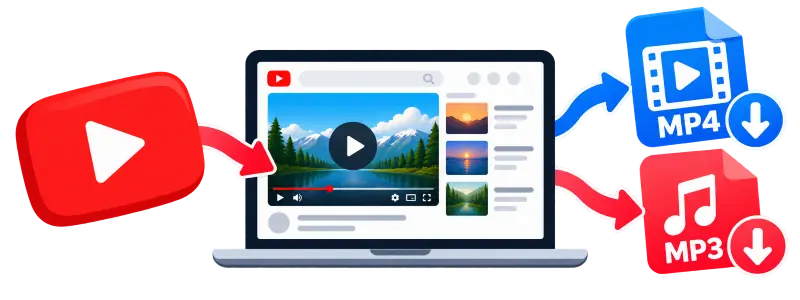
What is this YouTube to MP3 tool?
YTMP4 extracts audio from a supported YouTube video and converts it to MP3. Paste the video link, wait for the conversion, and download the resulting audio file.
It's useful when you want the audio from a lecture, podcast, or other video without downloading the full video. If you need the video itself, visit the main YTMP4 page for MP4 downloads.
Why use YTMP4 MP3 Converter?
MP3 downloads
Convert supported video links to MP3.
No installation
Use the converter directly in your browser.
Works across devices
Open the page on a phone, tablet, or computer.
No account required
Start without registering.
Free conversions
There is no paid tier. Every conversion is free.
How to get an MP3 from a YouTube link
Getting your MP3 takes three steps.
Copy the link
Open the video on YouTube and copy its address, from the share button or the browser bar.
Paste it in
Drop the link into the box above. The converter checks the link and prepares the audio.
Download the MP3
Click download. The MP3 saves to your browser's default download location.
What to expect from the audio
Every download is delivered as an MP3. The available source audio and the converter's settings determine the resulting quality.
If the original recording sounds quiet, muffled, or distorted, converting it to MP3 won't fix those problems. The conversion changes the file format, not the quality of the original recording.
Frequently asked questions
Do I need an account or an app?
No. The converter runs in your browser, so you don't need an account or an app.
Is there a Windows program or an Android app?
There is no separate Windows program or Android app. Use the converter in your browser.
Does this tool have a player, or support playlists?
No. The downloaded MP3 opens in your device's usual audio player. The converter handles one video at a time, so a playlist link won't start multiple downloads.
Can I get OGG or WAV instead of MP3?
No, MP3 is the only output this tool produces.
What if the conversion gets stuck?
Reload the page and submit the link again. If it still fails, check your internet connection.
Is this legal?
It depends on the content, applicable copyright law, your intended use, and YouTube's Terms of Service. Downloading content you own or have permission to download is generally the safer option. Personal listening alone doesn't guarantee that a download is permitted.